Finite element analysis
I work out whether a part will hold before it is made, or why it broke.
When it helps
- You are about to make a part and want to know whether it will hold.
- A part has broken and you want to know why.
- A machine vibrates and you suspect a resonance.
How I work
Input data
Geometry, material, loads and how it is supported.
Approach
What is calculated and the acceptance criteria.
Analysis
Model, mesh, results and checks.
Report
I explain the results and what I would change.
What you get
- Calculation report
- Assumptions, results and conclusions.
- Safety factor
- How much margin you have, and where.
- Proposed changes
- Geometry or material, if needed.
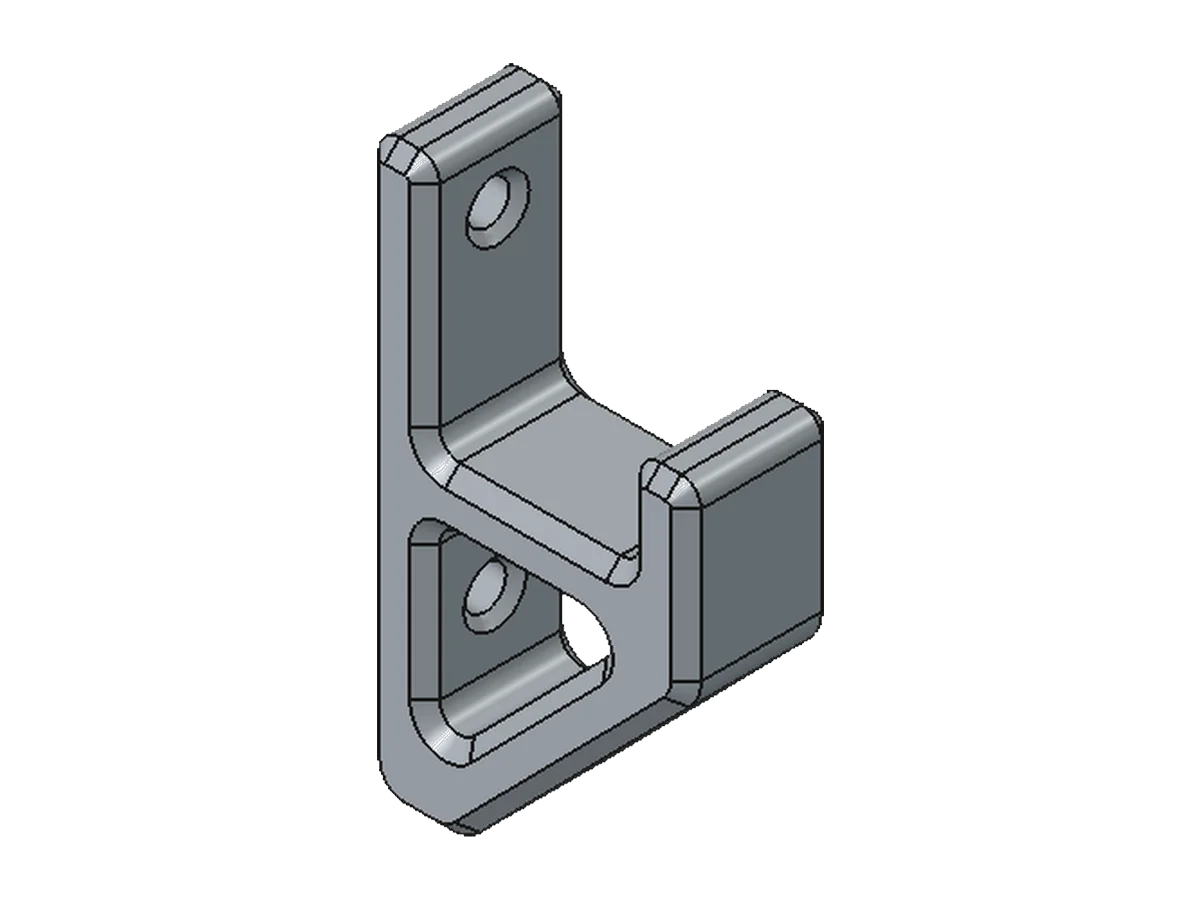
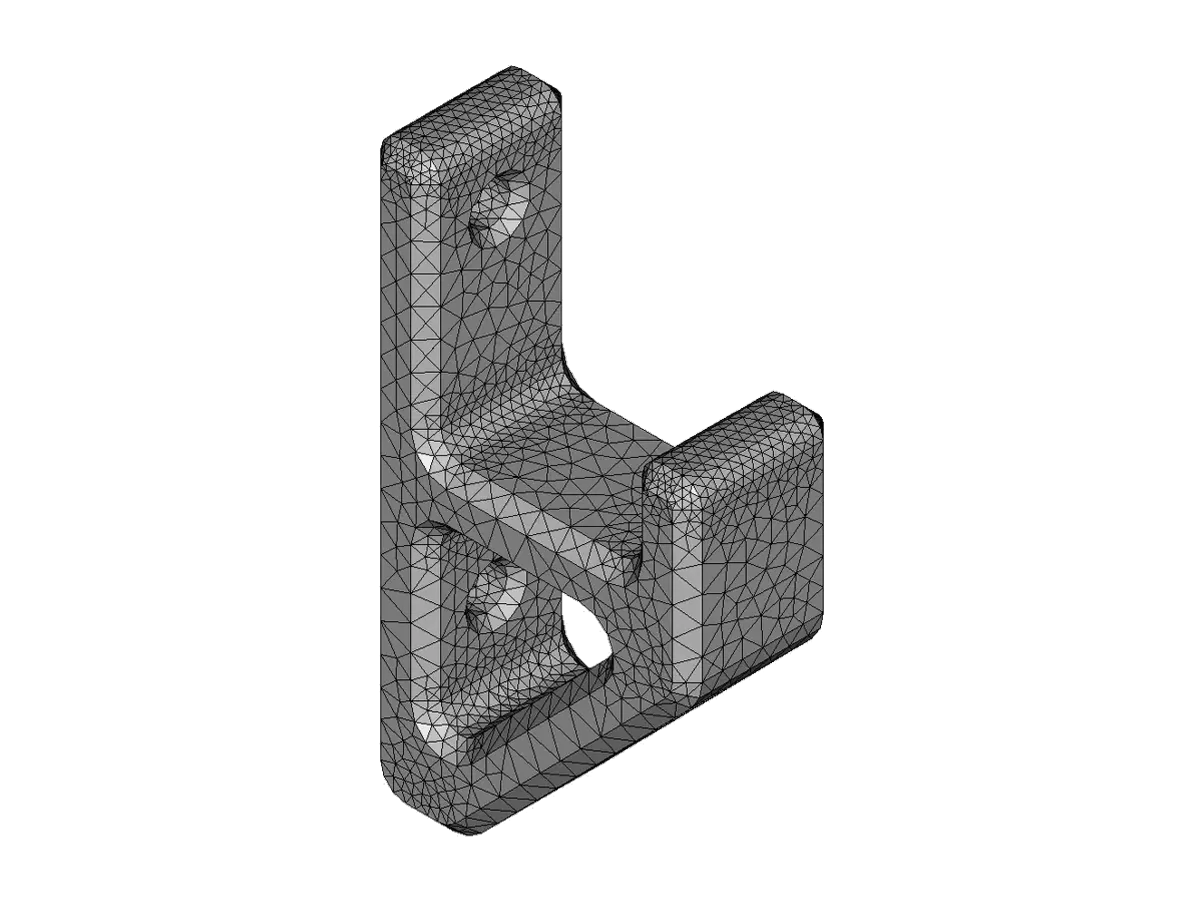
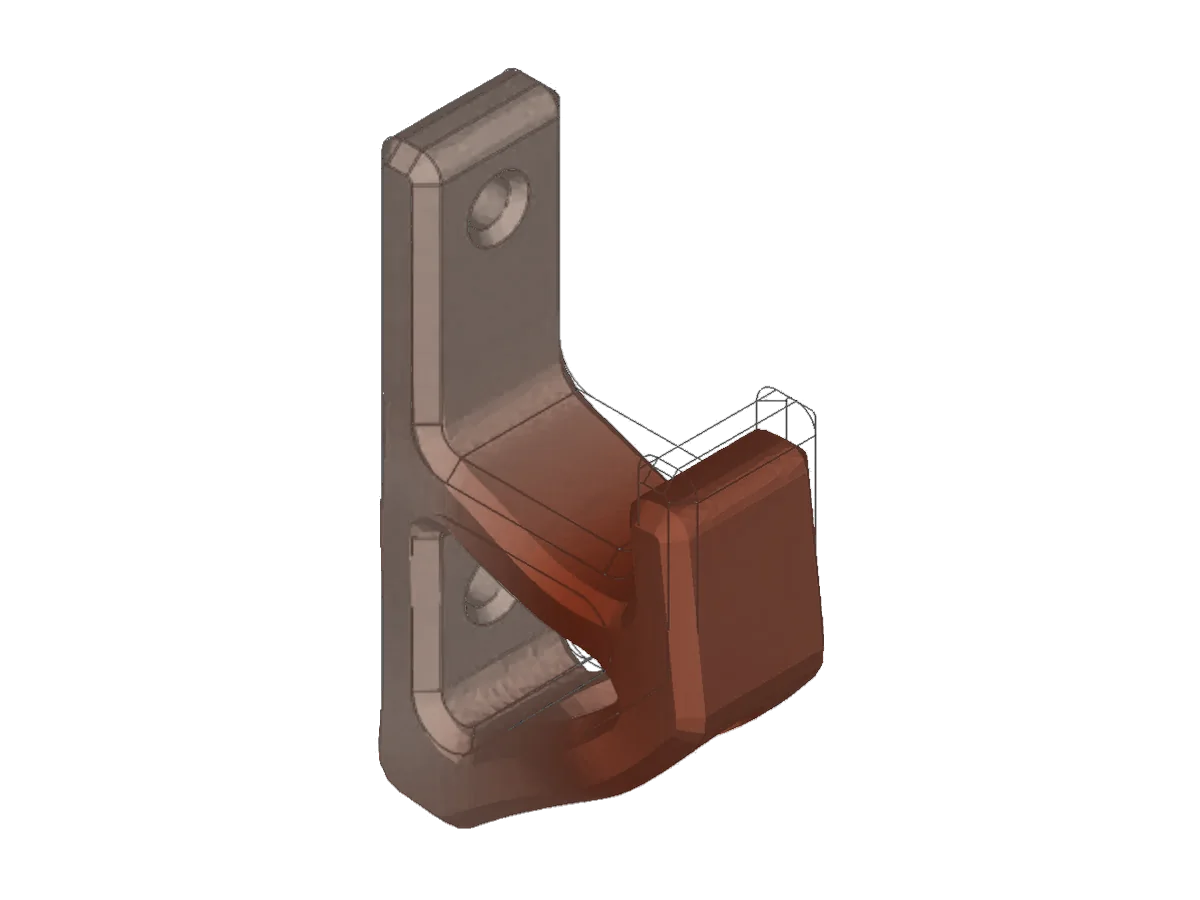
What a result looks like
The model becomes a mesh and the mesh becomes a result. The report shows where stress concentrates and how much margin is left before the material's limit.
The deformation is exaggerated so it can be seen.
Frequently asked questions
What kinds of analysis do you do?
Linear static, non-linear (plasticity and contacts), natural frequencies and mode shapes, thermal, fatigue and buckling.
What do you need to start?
The 3D model or the drawings, the material, approximate loads and how the part is supported. If there is no model, I rebuild it.
Can you analyse a part that has already broken?
Yes. Photos of the fracture help: the shape of the crack tells you whether it was overload or fatigue.
Does the analysis certify my machine?
Not on its own. It is a design and verification tool; it does not replace testing or the regulations that apply to each product.
Which software do you use?
SOLIDWORKS Simulation and FreeCAD (CalculiX).
Which part do you want analysed?
Tell me what it does, what loads it carries and whether it has ever failed.
You may also be interested in